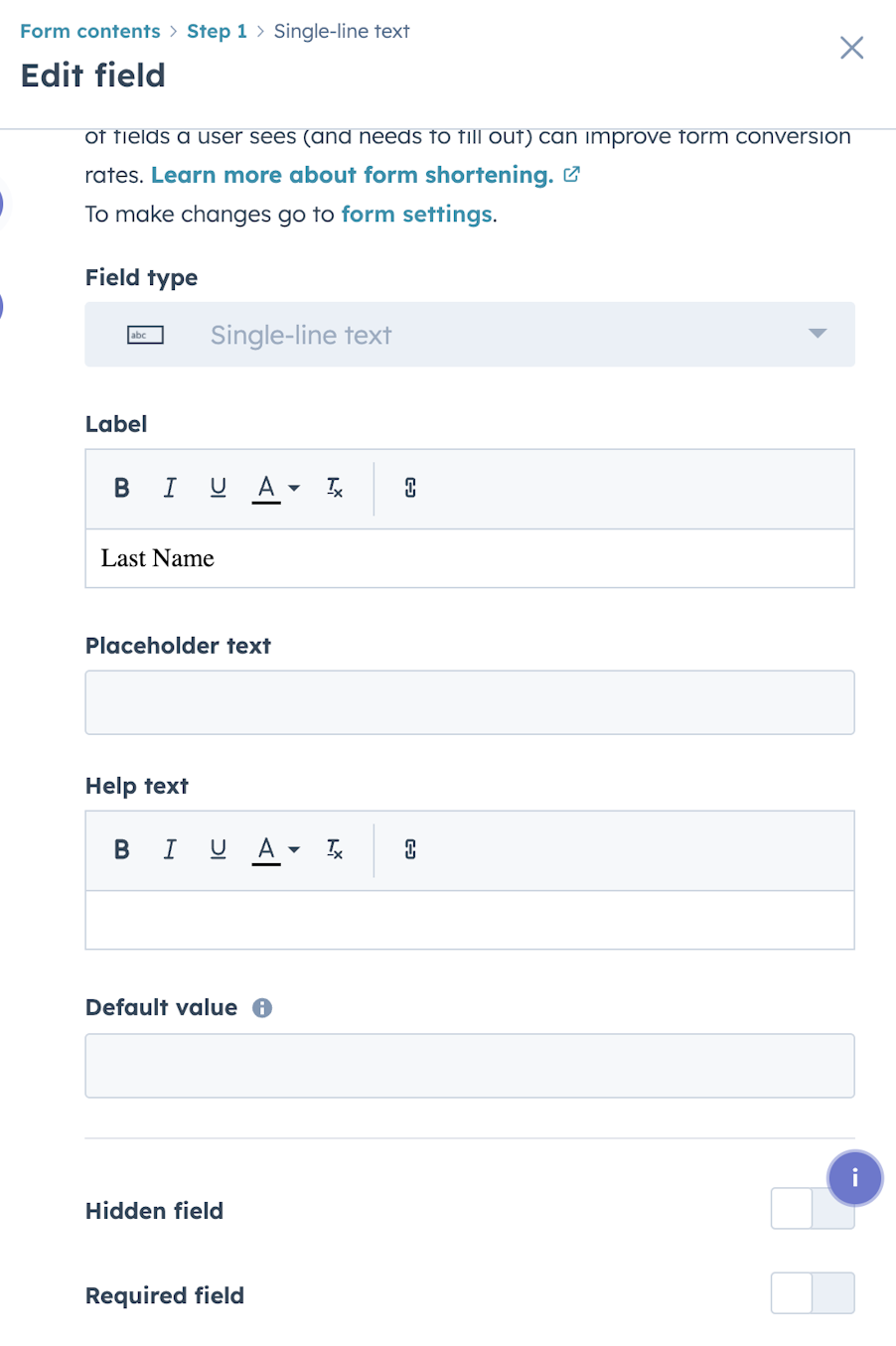
From a strategic perspective, there are numerous reasons to use hidden fields.
Stronger campaign reporting
When you present marketing reports to the C-suite, you are often asked to explain which campaigns or channels influenced the sales pipeline and revenue. HubSpot’s native reporting provides a solid foundation, but there are scenarios where having UTMs stored as extra properties allows you to build cleaner custom reports.
For example, you might want to segment contacts by a specific paid campaign or isolate leads from a particular event promotion. Having that information stored in structured properties can make analysis more straightforward, especially if campaign naming is aligned across systems.
Clearer CRM sync
In organisations where HubSpot syncs with Salesforce, marketing data is often reviewed alongside opportunity and revenue data in the CRM. Hidden fields can be mapped to fields that support campaign attribution or sales reporting. This can help avoid situations where marketing and sales teams are looking at slightly different interpretations of source data.
The goal is not to duplicate everything HubSpot already tracks, but to ensure that the information required for shared reporting is available in the right place.
Controlled segmentation and automation
Hidden fields can also support more precise automation. If you want to trigger workflows based on a specific campaign value, storing that value directly on the contact record gives you more flexibility. This can be useful when running creative campaigns that require tailored follow-up, while still maintaining consistent reporting.
In-person events
If you are attending or hosting an event, such as a trade show, you can use HubSpot forms to capture attendee details or prospects you've interacted with. In this case, hidden form fields can be used to attribute contacts to the correct event, allowing for easy follow-up.