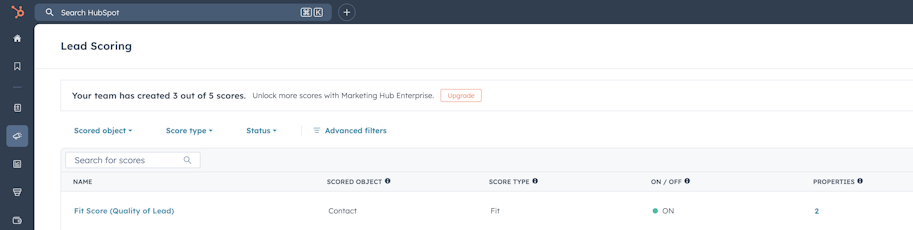
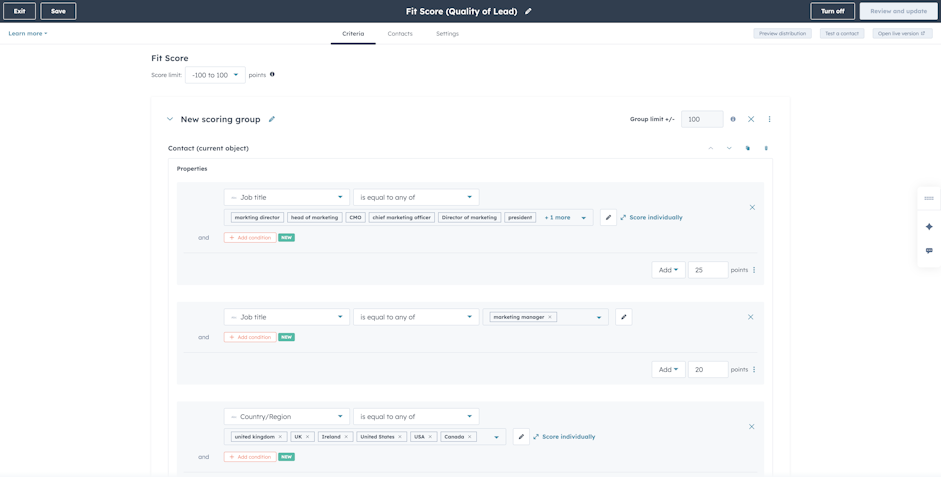
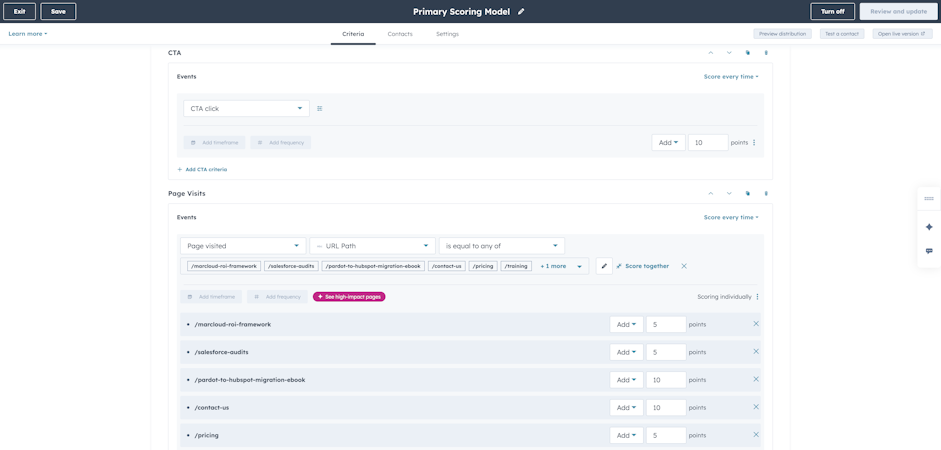
The HubSpot interface makes it easy to jump in and start adding scoring criteria and assigning points, but if you haven't agreed on what you're scoring and why, you’ll end up with weak leads being passed to sales reps.
So, first things first: define your scoring criteria.
A good starting point is your closed-won data. Pull up the last 20 to 30 deals your sales team has closed and look for what those contacts had in common: their job titles, company sizes, industries, the content they engaged with, and the actions they took before entering the pipeline. This gives you an evidence base for your scoring criteria rather than assumptions.
Defining your ideal customer profile should be a joint exercise between marketing and sales teams, because the two often have different views of what "ideal" looks like.
Marketers often build personas based on research and market analysis, while sales reps have first-hand experience of who buys, and your lead scoring model needs to combine both perspectives.
It's also important to separate your ‘must-have’ qualification criteria from your scoring. If a contact absolutely has to be in a particular industry or above a certain company size to be worth pursuing, they should be filtered out in an exclusion list.
For example, a manufacturing company might meet to define lead criteria, and realise that their sales team only closes deals with procurement managers and plant directors at companies with 500 or more employees, but marketing has been scoring all form submissions equally, regardless of role or company size. The existing model hasn’t been reflecting what converts, meaning the scores are surfacing low-quality leads.
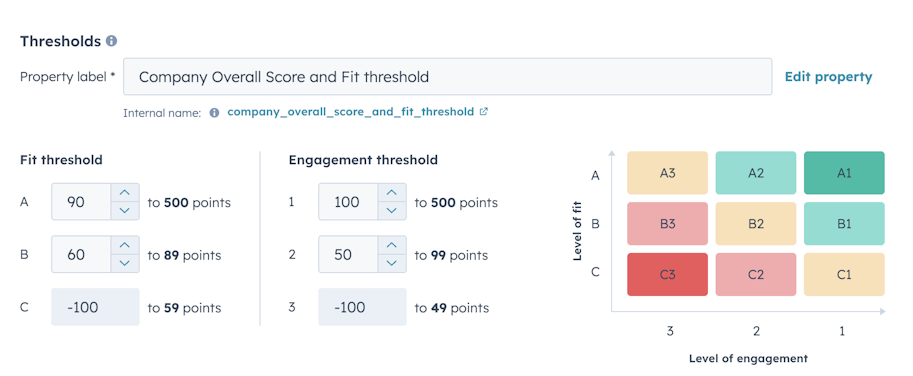
Tip: Agree on what constitutes an MQL, an SAL, and an SQL in your business, and document the score thresholds that trigger each stage change in a simple document shared between marketing and sales teams.